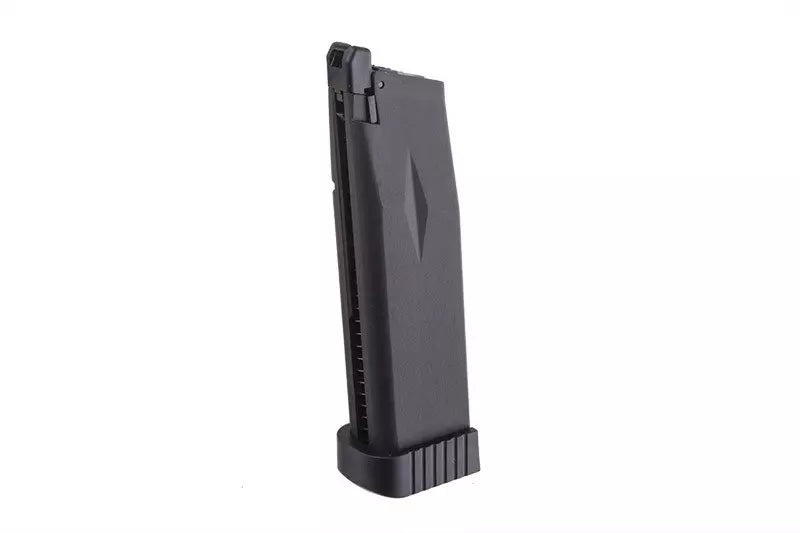
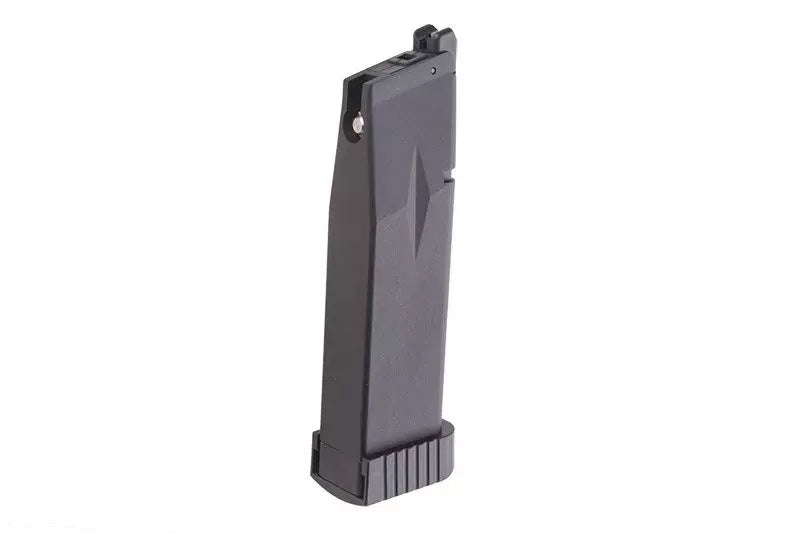
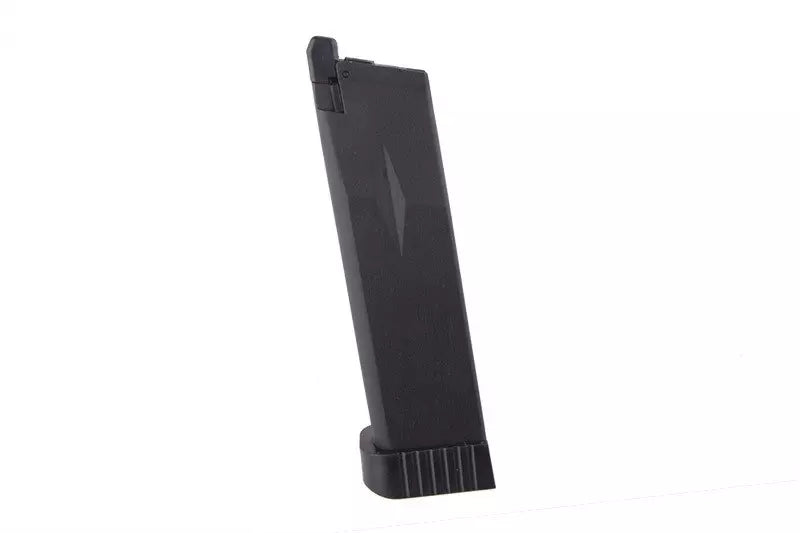
Pasa el cursor sobre la imagen para ampliarla.Clic en la imagen para aumentar
/
También te puede interesar
Recientemente visto
Abre en una nueva ventana.
PayPal Pay Later Messaging
Step 1: Choose message placement
Click the button below and then hover over your page to select a placement.
Step 2: Paste and save
You have copied the placement for the Product Page.
Go back to the App Embeds section, and in the Paypal Advanced Settings, paste the copied value into the
Product Page field and click the 'Save' button in the top right corner.