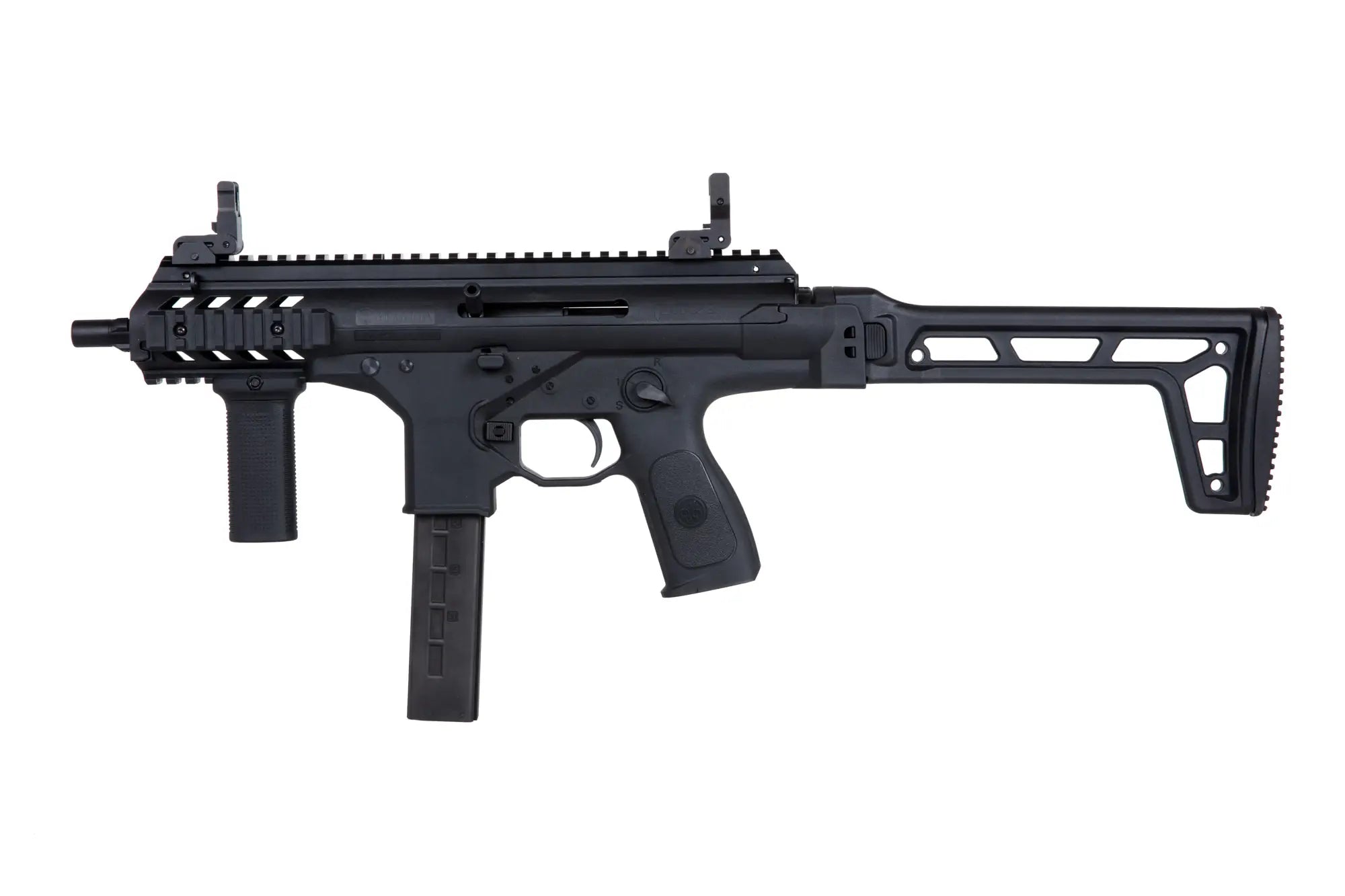
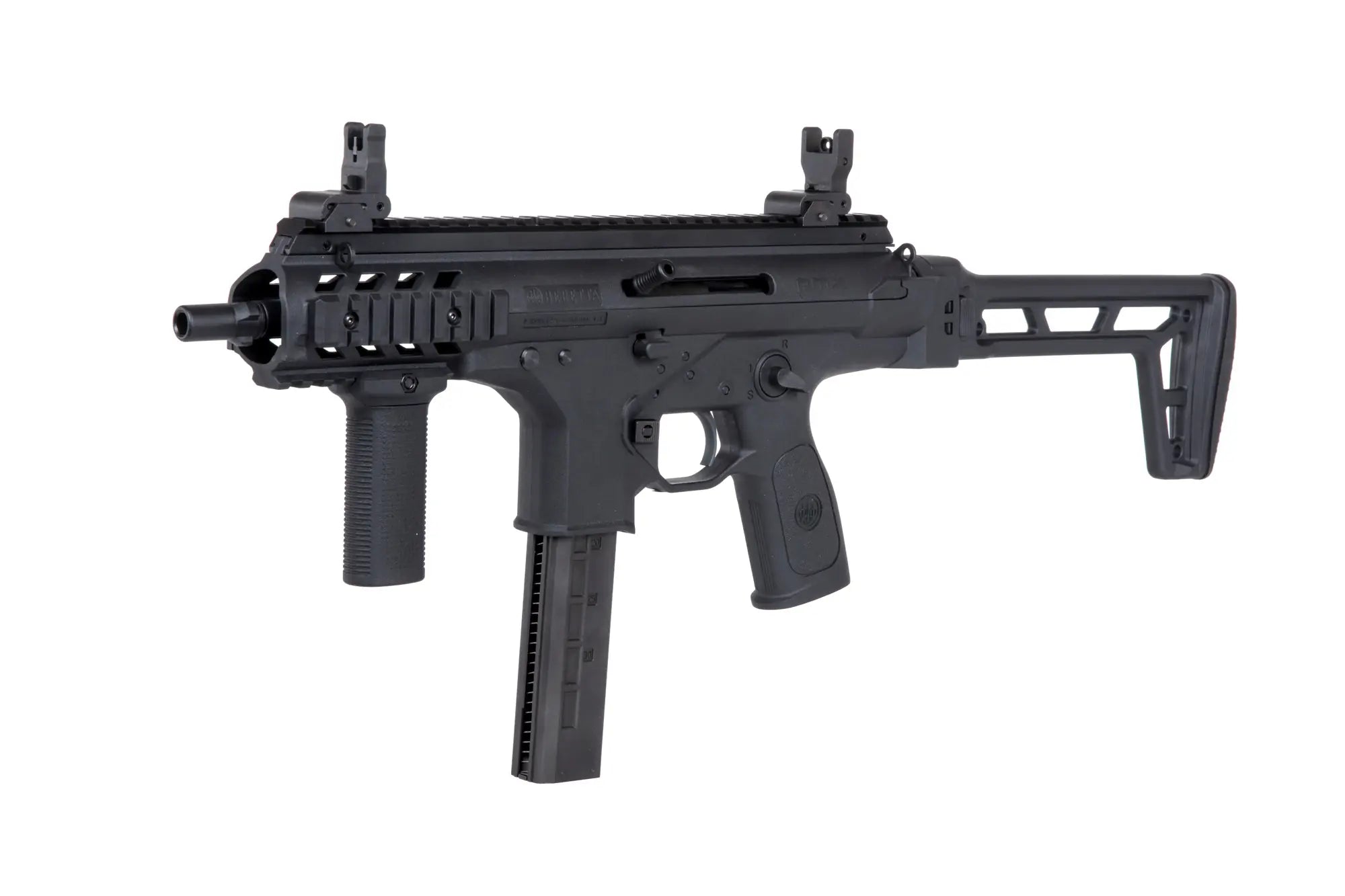
Experience the thrill of handling the Beretta PMX submachine gun with the Umarex GBB replica, a gas-powered masterpiece designed for airsoft enthusiasts and collectors. This replica boasts a blend of realism, performance, and adaptability, making it an exciting choice for close-quarters combat scenarios.
Key Features:
Authentic Design: Crafted with high-quality fiberglass plastic and metal, the replica captures the iconic look and feel of the Beretta PMX, complete with fighting designations and a compact, lightweight design.
Enhanced Customization: The included RIS rail kit and vertical grip offer ample space for attaching tactical accessories like lasers, flashlights, and sights, tailoring the replica to your specific needs.
Ambidextrous Operation: Both the magazine release, fire selector, and reloading handle are interchangeable, ensuring comfortable handling for left- and right-handed shooters.
Immersive Blowback: The powerful blowback system simulates the recoil of the real firearm, adding to the realistic shooting experience.
Performance: With a muzzle velocity of 330 FPS and full-auto/semi-auto firing modes, the replica delivers both accuracy and versatility in gameplay situations.
Magazine Capacity: The 48-round low-cap magazine provides ample ammunition for extended engagements.
Additional Information:
Package includes: Replica, vertical grip, magazine, and instruction manual. Battery and charger not included.
12mm CW threaded barrel allows for attaching various muzzle devices or suppressors.
Adjustable hop-up ensures consistent accuracy and range.
Check local regulations regarding airsoft gun use and muzzle velocity limits.
Overall, the Umarex Beretta PMX GBB replica is an excellent choice for players seeking a realistic, customizable, and exciting airsoft submachine gun. Its blend of features, performance, and adaptability makes it a valuable addition to any airsoft arsenal.
Step 1: Choose message placement
Click the button below and then hover over your page to select a placement.
Step 2: Paste and save
You have copied the placement for the Product Page.
Go back to the App Embeds section, and in the Paypal Advanced Settings, paste the copied value into the
Product Page field and click the 'Save' button in the top right corner.